
January 24, 2026
v0.2: Business credit card records
Hal v0.2 adds business credit card records so founders can see real profit with card-funded expenses and outstanding card balances reflected in the company’s complete financial picture.
Authors: Ryusei Best
1. Overview
Credit card purchases can make perceived profit look different from real profit when they are missing from the company ledger. Hal v0.2 lets teams capture business credit card activity directly in the application so expenses are reflected when they occur, while payments from a bank account are treated as transfers rather than duplicated expenses.
2. See your real profit
Credit card purchases and card debt are part of the company’s financial reality. By recording the purchase when it happens and the later payment as a transfer, Hal gives founders a more complete view of expenses, outstanding obligations, and real profit—without counting the same money twice.
3. How it works
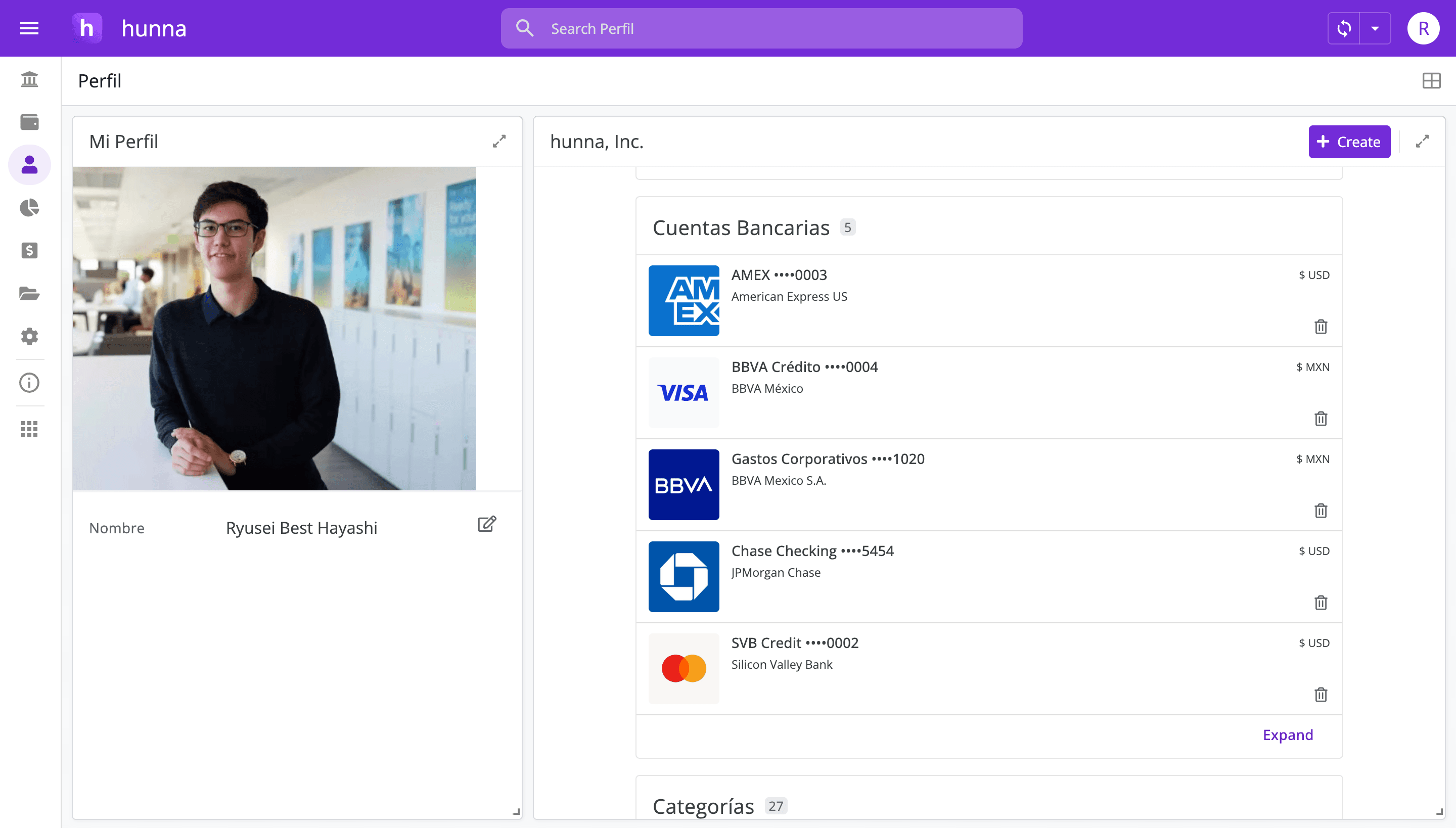
1. Add the business credit card to your organization’s accounts. 2. For each purchase, open the ledger and create an expense. 3. Select the credit card account, then complete the corresponding item and category. 4. When you pay the card, create a transfer from the bank account. 5. Select Type Transfer and Action Credit card payment, then complete the transfer details. 6. Reconcile the bank and card balances with their statements before reviewing profit.
4. Try the new feature
Use a simple monthly check: confirm every company card is included, classify each purchase by its real purpose, match card payments to bank transfers, and reconcile both balances with their statements. This catches common problems such as missing purchases, duplicate expenses, and payments recorded as new costs.
When card spending is visible alongside bank activity, your profit analysis starts from a more complete picture of company money. Want to see business credit card expenses where they belong? Open Hal, add your cards, and bring every purchase into the same financial workflow.